
























Here is the short version: before you deploy anything Codex generated, read what it wrote, run it on your own machine until it actually works, then push it to a host you control — with the secrets, database and permissions locked down by hand. The "deploy in one click" tutorials skip the three steps that decide whether your app survives its first week online.
AI builders are genuinely good now. You describe an app, Codex writes it, and you get something that runs. The gap is not the code — it is everything between "it runs in a sandbox" and "it runs on the internet with real users and a real database." That middle bit is where non-coders get stuck, and it is the part no quick tutorial covers honestly.
This walks through the whole path, in order, with the parts that bite you called out plainly.
First, read what Codex actually built
Before you touch hosting, open the files and understand the shape of the app — because you cannot secure or fix what you do not recognise. You do not need to understand every line, but you do need to answer four questions.
- What language and framework is this? Node with Express, Python with Flask, a static site with a bit of JavaScript — this decides where it can be hosted.
- Does it need a database? Look for a
schema.sql, a Prisma file, or anything mentioning Postgres, MySQL or SQLite. A database changes your hosting needs completely. - Where are the secrets? Search the project for
API_KEY,SECRET,PASSWORD. If any real values are sitting in the code, that is your first job to fix. - Is there a build step? A
package.jsonwith abuildscript means the browser does not run your files directly — you ship the built output, not the source.
This read-through takes twenty minutes and saves you a weekend. AI tends to hardcode config, assume a database that was never created, and reference packages it never installed. You want to know that now, not after a failed deploy.
Test it locally until it genuinely works
Run the app on your own computer first, because a sandbox that says "success" tells you nothing about whether it works outside that sandbox. Local testing is the single highest-value step the tutorials gloss over.
For a typical Node app, that is three commands in the project folder:
npm install— pulls in the packages. If this errors, the dependency list is incomplete; that is common with AI output.- Create a
.envfile for your keys and database URL, so nothing sensitive lives in the code. npm start(or whatever thescriptssection names) — then open the address it prints, usuallyhttp://localhost:3000.
Now click everything. Submit the forms. Try to break it. If the app talks to a database, install that database locally too, or point it at a cheap test one. The failures you see here — a missing table, a crash on empty input, a key that is not set — are exactly the failures that would otherwise happen live, except now you can fix them calmly.
If you cannot get it running locally, do not deploy it. A broken app on your laptop is a draft. A broken app on a public URL is an incident.
Choose the right host for what Codex gave you
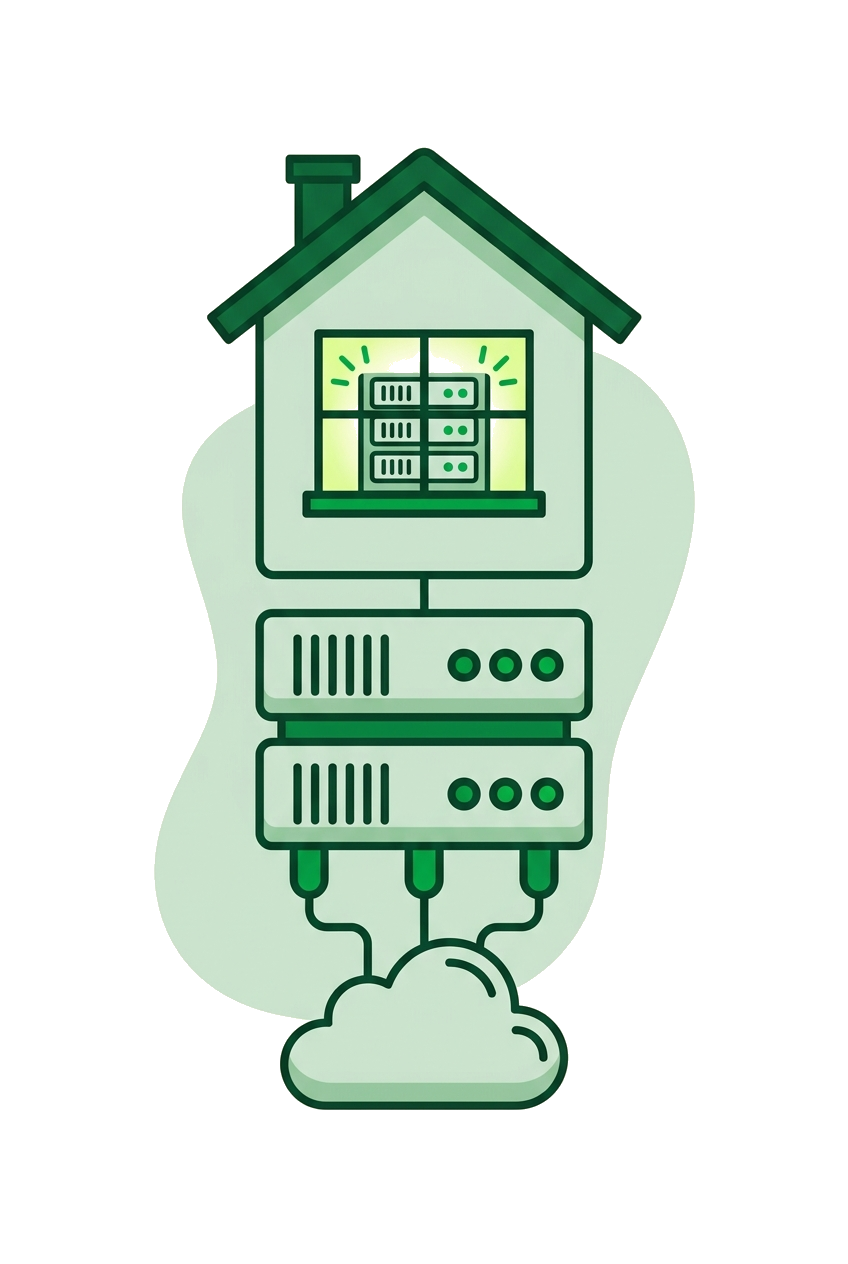
Match the host to the app: a static or simple PHP site belongs on shared hosting, while anything running a Node or Python process of its own needs a VPS. Picking wrong is the most expensive mistake here, because it means redoing the whole deploy.
| What Codex built | Where it belongs | Why |
|---|---|---|
| Static HTML/CSS/JS, or a built frontend | Shared hosting | Just files served over HTTP — no running process needed. |
| PHP app with MySQL | Shared hosting | The classic stack most shared plans run out of the box. |
| Node or Python app that stays running | VPS | You need to keep a process alive and manage the port yourself. |
| App with background jobs or a self-hosted database | VPS | Full control over what runs and when. |
Most AI builders default to a Node or Python server, which quietly rules out basic shared hosting. That is fine — a small VPS is cheap and gives you the control to run the thing properly. At TPC Hosting the plans are EU-hosted and GDPR-friendly, which matters the moment your app starts collecting a single email address. And if you are moving an app off a sandbox or another provider, migration is free, so you are not paying to escape a bad early decision.
Deploy it, step by step
Deploying means getting your files onto the server, installing dependencies there, setting your secrets, and keeping the app running after you log out — in that order. Here is the honest sequence for a Node app on a VPS; adapt the names for Python.
- Get the files up. Use
git clonefrom your repository, orscp/SFTP to copy the folder. Do not uploadnode_modules— install fresh on the server. - Install on the server. Run
npm install --productionin the project folder so you only get what the app needs to run. - Set your secrets. Create the
.envfile on the server with real values. This file never goes into Git — add it to.gitignore. - Keep it alive. A plain
npm startdies the moment you close your terminal. Use a process manager:npm install -g pm2, thenpm2 start app.jsandpm2 startupso it restarts after a reboot. - Put it behind a web server. Set up Nginx as a reverse proxy so visitors hit port 80/443 and get passed to your app's internal port. This is also where your HTTPS certificate lives.
That reverse-proxy step is the one most "deploy from Codex" guides skip, and it is why people end up with apps reachable on an ugly :3000 URL that breaks on HTTPS. Twenty minutes with Nginx and a Let's Encrypt certificate fixes it for good.
Close the security gaps AI left behind
AI builders optimise for "it works," not "it is safe," so you have to add the security layer yourself before real users arrive. These are the gaps that show up again and again in generated apps.
- Hardcoded secrets. Move every key, token and password into environment variables. Then rotate any key that was ever sitting in the code — treat it as already leaked.
- No input validation. AI forms often trust whatever is typed. At minimum, validate and sanitise anything that reaches your database to avoid injection.
- Dependency rot. Run
npm audit(orpip-auditfor Python) and patch the serious findings. Generated apps pin to whatever version was handy, which is rarely the safe one. - Everything exposed. Close unused ports with a firewall (
ufwon Ubuntu), and never expose your database to the public internet. - No backups. Set up a nightly backup of your database and files before launch, not after your first scare.
None of this is advanced, but all of it is invisible until something goes wrong. If you get stuck on any of it, TPC's chat has AI available at any hour and real engineers who follow up in business hours — useful when you are mid-deploy at 11pm and the reverse proxy will not cooperate. And since there are 30 days to back out, you can test your whole setup end to end without committing blind.
A quick pre-launch checklist
Before you share the URL, run through this once — it catches the common day-one failures.
- App runs locally with no errors and handles bad input gracefully.
- No secrets in the code; all keys in
.env, and leaked keys rotated. - Database created, connected, and not reachable from the public internet.
- Process manager keeps the app alive and restarts on reboot.
- HTTPS working through a reverse proxy, firewall limiting open ports.
- A backup ran successfully at least once.
Codex can get you from idea to working code faster than ever. Owning the deploy — reading it, testing it, hardening it — is what turns that code into something you can actually rely on.
When you are ready to put your AI-built app somewhere you control, have a look at TPC Hosting. EU-hosted, plain pricing, free migration, and people who answer when the deploy gets fiddly.
FAQ
Can I deploy a Codex-generated app without knowing how to code?
Yes, but you need to be willing to run a few commands and read config files, not just click a button. The code is written for you, but setting secrets, keeping the app running and adding HTTPS are manual steps — follow a sequence and you will get there without writing the app yourself.
Do I need a VPS or will shared hosting work?
It depends on what Codex built: static sites and PHP apps run fine on shared hosting, but anything running its own Node or Python process needs a VPS. Check whether your app keeps a server process alive — if it does, choose a VPS.
What is the most common security mistake in AI-generated apps?
Hardcoded secrets — API keys and passwords written directly into the code. Move them into environment variables and rotate any key that was ever in the source, because you should assume it has leaked.
Why does my app work in the Codex sandbox but break when I deploy it?
The sandbox usually has dependencies, a database and config already set up that your real server does not. Test the app locally first so you discover the missing packages, tables and keys before they fail in public.
How do I keep my app running after I close the terminal?
Use a process manager like PM2 for Node or systemd for Python. Running the app directly ties it to your session, so it stops the moment you log out — a process manager keeps it alive and restarts it after a reboot.