



















When a critical PHP vulnerability like PHP2Shell lands, the real test isn't whether you updated your own code — it's whether your host patched the shared layer underneath you before the CVE went public. A good host does the work quietly, applies the fix at the server level, and can tell you exactly when and how. If yours can't answer that in plain language within an hour, that silence is the finding.
This isn't another "remember to update PHP" post. You already know that. This is the short list of questions you send your host today, so you can tell the difference between a team that was patched before you read the news and one that's about to google the CVE while you wait on hold.
Copy the five questions below into a ticket. The answers — and how fast they come — tell you everything.
Why server-side patching beats your own PHP update
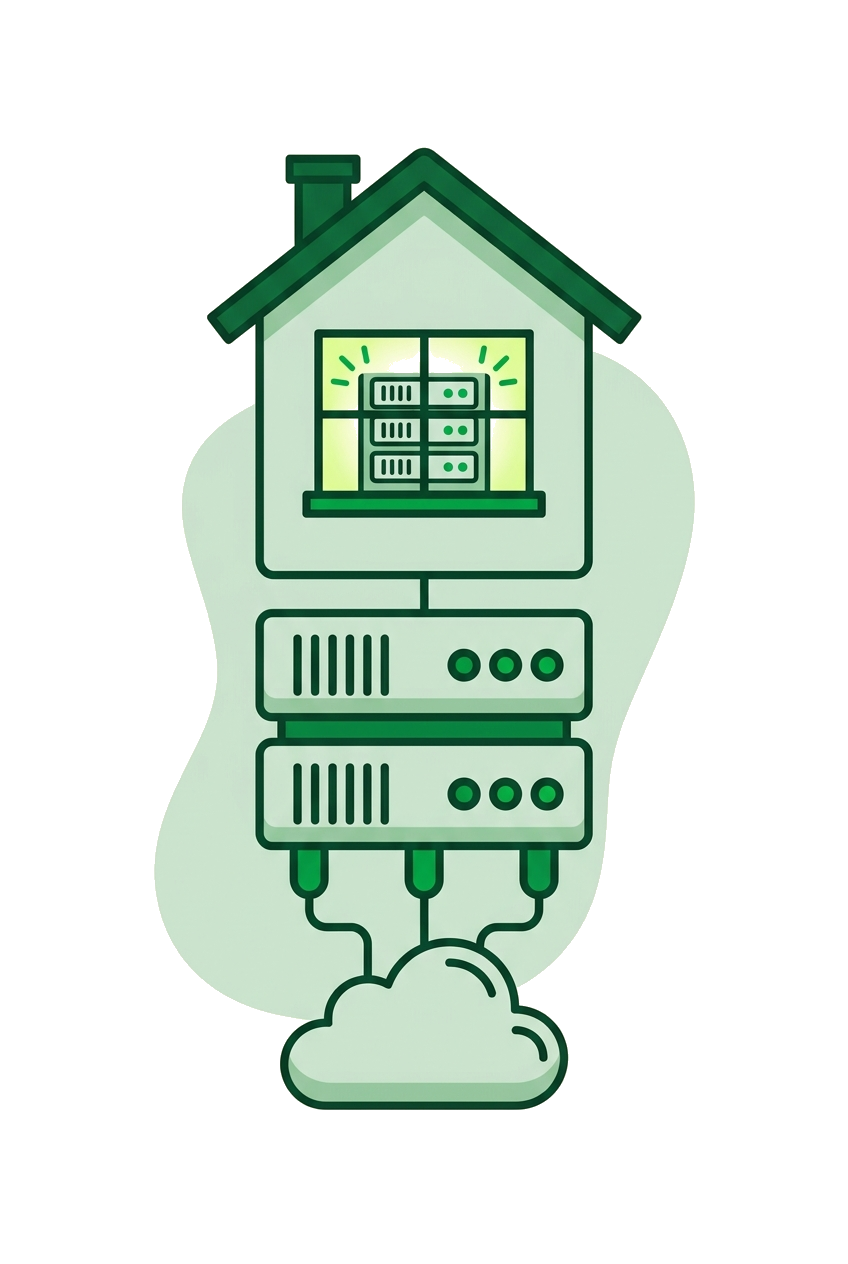
For a bug like PHP2Shell, the fix that actually protects you is applied by your host at the system level, not by you bumping a version in a control panel. The PHP interpreter running your site is installed and maintained by whoever runs the box. On shared and managed hosting, you don't compile PHP — your host does, and they ship the patched build to every account at once.
That's why hosts were often patched before most site owners had even heard the name. A security release goes out, the host rebuilds or pulls the patched package, rolls it across the fleet, and your sites are covered whether you noticed or not. Your job isn't to apply the fix — it's to confirm it happened and that nothing in your stack is pinned to a vulnerable version behind the scenes.
The trap is a stale, manually pinned PHP version. If you locked your site to an old minor release for compatibility, you can sit on an unpatched interpreter even while the host ships fixes to everyone else. So the first thing to check is your own version string, then the host's.
Run this on your server or in a small script to see exactly what's live:
- CLI:
php -v— shows the running version and build date - Web: a one-line
file (delete it after) - Full detail:
phpinfo()to confirm the patch level and loaded modules
Match that against the fixed version in the CVE advisory. The build date line in phpinfo() is the tell here — if it predates the security release, you're running an old binary no matter what minor number the panel shows, and that's the question your ticket needs to open with.
The 5 PHP2Shell questions to send your host right now
Send these five questions in one ticket and judge the reply by its specificity, not its tone. Vague reassurance is a red flag; dates, version numbers and a method are green.
- 1. When did you patch? Ask for a date and, ideally, a time window. "We rolled the fixed PHP build across all servers on [date]" is a real answer. "We're always monitoring security" is not.
- 2. Which exact version am I now running? They should name the patched version (e.g. the specific minor release that closed the CVE) and confirm it applies to your account, including any pinned or legacy PHP you selected.
- 3. How did you confirm the fix took? Look for a method — a fleet-wide check, a version audit, a rebuild verification — not "it should be fine."
- 4. Was anything exploited before you patched? Ask whether they saw exploitation attempts and whether your account showed any signs. An honest host tells you if the window was clean or if you should check logs.
- 5. What do I need to do on my end? Usually nothing for the interpreter itself — but they may flag an outdated pinned version or a dependency you control.
You're not being difficult. A host that handles security well has these answers ready, because they wrote them down while they were patching. The question is really a stress test of their process.
How to read the answer — and the clock
Give the host one hour to come back with something substantive, and treat the response time as part of the answer. For an active, named CVE affecting their core PHP stack, a team that's on top of things either has a specific status post ready or can pull the details fast. What you're grading is whether the reply carries a date, a version and a method — or whether it's warm air.
Here's what a reply worth trusting actually looks like. You send the five questions; within forty minutes you get back something like: "We pushed the fixed 8.2.x build to every server on the 14th, the morning the advisory dropped. Your account is on that build — you can confirm with php -v. We ran a fleet-wide version audit afterwards to catch any pinned accounts, and yours wasn't flagged. We saw no exploitation attempts against your domains in the logs. Nothing for you to do." That answer names the date, the version, the verification method and the exposure window in four sentences. You can act on it.
Now the version that should worry you: hours of quiet, then "Our systems are kept up to date and your site is secure." No date, no version, no method, no mention of logs. That isn't an answer to any of the five questions — it's a reflex. A host that can't produce the first kind of reply on a live CVE is the same host that'll be googling the next one while your site sits exposed. The gap between those two tickets is the whole decision.
At TPC Hosting this is where the chat setup earns its keep: the AI on chat answers at any hour, so you get a straight status at 2am instead of a queue, and real engineers follow up in business hours with the specifics. For a security question you want both — speed now, a human who owns the detail soon after.
What to do if your host can't answer in an hour
If an hour passes with no clear date, version or method, assume you may be exposed and act as if you are. You can't patch the interpreter yourself on managed hosting, but you can shrink your risk and gather evidence while you escalate.
- Grep your access log for the attack shape. PHP2Shell-class bugs get probed with POSTs to PHP endpoints. Pull the suspects:
grep -E "POST .*\.php" access.log | grep -iE "eval|base64|system|passthru"surfaces requests carrying obvious payload keywords around the disclosure date. - Hunt for dropped shells. Search recently touched PHP for the usual markers:
find . -name "*.php" -mtime -7 -exec egrep -l "base64_decode|eval\(|gzinflate|str_rot13" {} \;lists any file written in the last week that reads like an obfuscated shell. - Switch your PHP version if you can. If the panel offers a newer, patched minor release, move to it and retest — this often gets you onto a fixed build immediately.
- Rotate credentials — database passwords, admin logins, API keys — if you find anything suspicious or can't rule out exposure.
- Take a backup now, before you change anything, so you have a clean forensic copy.
Then escalate past the generic queue. A host that can't speak to a named, active CVE within an hour is telling you something about how they'll handle the next one — which is a fair reason to plan a move.
Choosing a host that patches before you have to ask
The hosts worth staying with are the ones that patch quietly, keep EU data where you expect it, and will tell you the truth about timing when you ask. Security handling isn't a feature on a pricing page — it's visible in how a team answers a hard question under time pressure.
When you're weighing up where to sit, look for a few concrete things: EU-hosted infrastructure so your data and your GDPR obligations stay on the same continent, support you can actually reach when a CVE breaks rather than a next-business-day ticket, and plain honest pricing with no surprise security add-ons. TPC Hosting runs EU-hosted and GDPR-friendly, with free migration and 30 days to back out — so if the patch answers from your current host don't hold up, moving isn't a leap of faith.
Keep the five questions somewhere handy. The next critical PHP release will come, probably with less warning than you'd like, and the hour after disclosure is when you find out who you're really hosting with.
FAQ
Do I need to patch PHP myself when a CVE like PHP2Shell drops?
No — on shared or managed hosting, your host applies the fix to the PHP interpreter at the server level. Your job is to confirm they did it, check you're not stuck on a manually pinned old version, and update any dependencies you control yourself.
How fast should a host patch a critical PHP vulnerability?
A good host often patches before the CVE is widely known, rolling the fixed build across accounts within hours of the security release. What matters most is that they can give you a specific date and version when you ask, not a vague reassurance.
How do I check which PHP version my site is actually running?
Run php -v on the command line, or drop a one-line script with echo PHP_VERSION and delete it after. Compare the version and build date against the fixed release named in the CVE advisory — a build date that predates the security release means you're on an old binary even if the minor number looks current.
What should I do if my host won't confirm they patched within an hour?
Treat yourself as potentially exposed and act on it: grep your access log for suspicious POSTs to .php endpoints, egrep recently modified files for base64_decode and eval, switch to a newer patched PHP version if your panel allows it, and back up before changing anything. Then escalate past the generic support queue.
Can I switch hosts without downtime if mine handled a CVE badly?
Yes — a proper migration copies your site to the new host and only cuts over once it's tested and working. TPC Hosting offers free migration and 30 days to back out, so moving after a bad security experience doesn't mean gambling with your live site.


