
How to Access Email from SiteWorx Webmail

Knowledgebase / How to Access Email from SiteWorx Webmail

How to Access Email from SiteWorx Webmail

0 found helpful (0 votes) ...
Back to Knowledgebase

You can access your Email account from Webmail.


1
. Log in to your SiteWorx account.


2. In the Email section, click on Webmail.

sw-webmail-icon.gif


3. Enter your full email address and password. Choose your Webmail reader and click on Login.
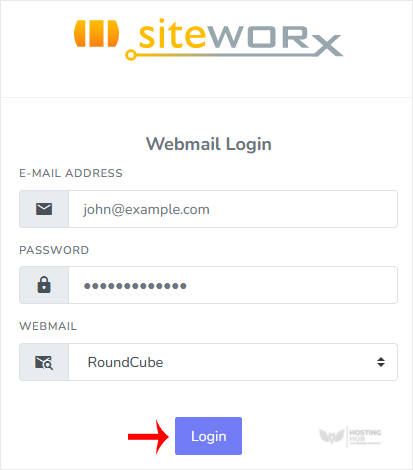
webmail-page.gif


You can manage your email account from the webmail reader.


Was this article helpful?


Still need help?

Open a support ticket →

On This Page
