Softaculous ist ein Ein-Klick-Skript-Installer, der die Installation von Webanwendungen auf einer Website automatisiert. Sie können darauf über SiteWorx zugreifen.
1. Melden Sie sich bei Ihrem SiteWorx-Konto an.
2. Klicken Sie im Abschnitt Zusätzliche Funktionen auf Softaculous.
3. SiteWorx öffnet die Softaculous-Oberfläche.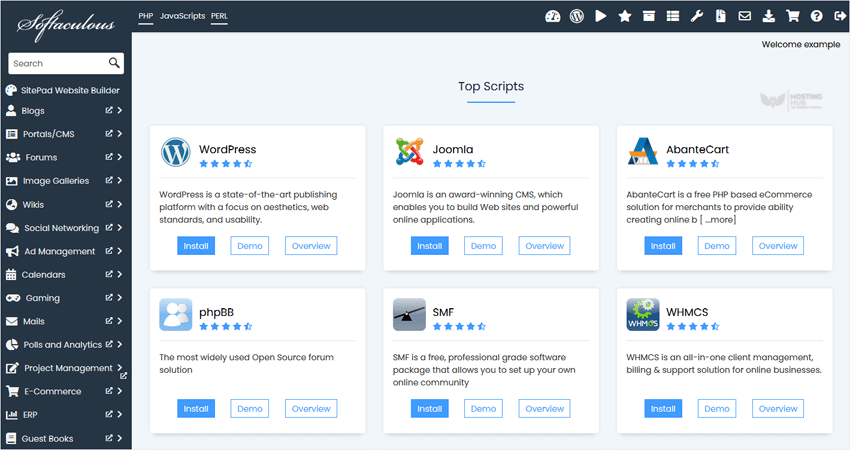
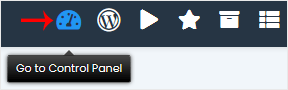
Wenn Sie zu SiteWorx zurückkehren möchten, klicken Sie auf das Symbol Zum Kontrollpanel.