




































You can access your Email account directly from Webmail.
1. Open http://example.com/webmail, replace example.com with your domain name, enter your full email address and password in user login details, and click on Login.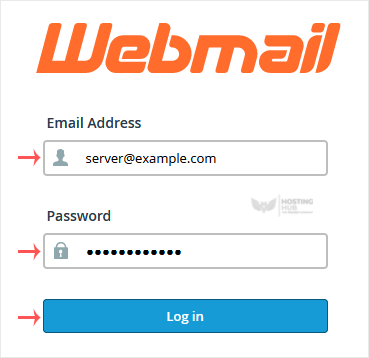
2. From the cPanel's Webmail Page, click on any Webmail email reader such as Horde, Roundcube, or any other available application.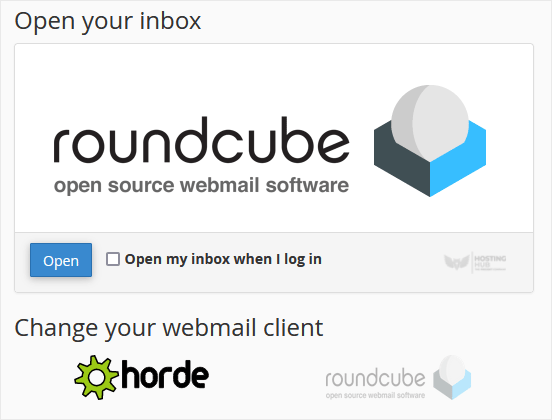
Use the Webmail Email Reader to read your email.
How to Access Email from cPanel Webmail
Back to Knowledgebase
Was this article helpful?
Related Articles
How to Create an Email Autoresponder When You Are on Vacation How to Change an Email Account's Password in cPanel How to Create an Email Account in cPanel How to Forward an Email to Gmail or Other Email Service Providers How to Set Up a Catch-All Email Address in cPanelStill need help?
Open a support ticket →
