


You can access your Email directly from Webmail.
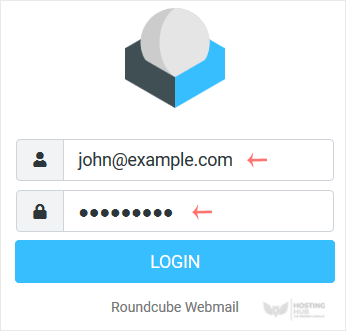
Open https://webmail.example.com, and replace example.com with your domain name. Enter your full email address and password. Then click on Login.
After successful login, you can manage emails.

You can access your Email directly from Webmail.
Open https://webmail.example.com, and replace example.com with your domain name. Enter your full email address and password. Then click on Login.
After successful login, you can manage emails.
Was this article helpful?
Still need help?
Open a support ticket →
