


1. Log in to your DirectAdmin Account.
2. In the Account Manager section, click on MySQL Management or type MySQL Management in the navigation filter box. The option will appear. Click on it.
3. From the list of databases, choose the database for which you want to modify privileges.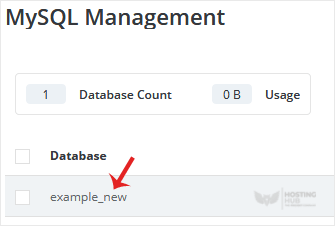
4. Under the Users list, you can find your database users. Click on Modify Privileges.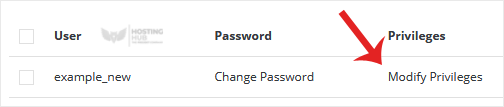
5. Modify Privileges according to your needs and then click on Change.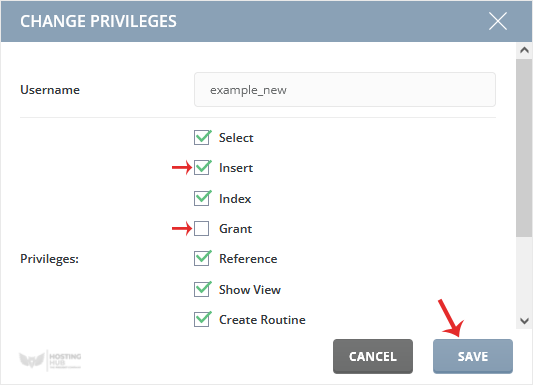
Your database user's privileges should have changed successfully.

