


1. Log in to your Plesk account.
2. Click on Databases from the Sidebar Menu.

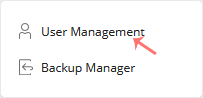
3. Click on User Management from the right sidebar.
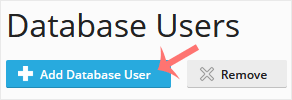
4. Under Database Users, click on Add Database User.
5. Under Adding Database User, fill in the following details:
Database user name: Enter a database username such as blog.
Password: Enter the password or click Generate to generate one. Then click on Show and copy the password in a safe place.
Database: Choose the appropriate database from the drop-down menu.
Access Control: Choose the appropriate option as per your needs.
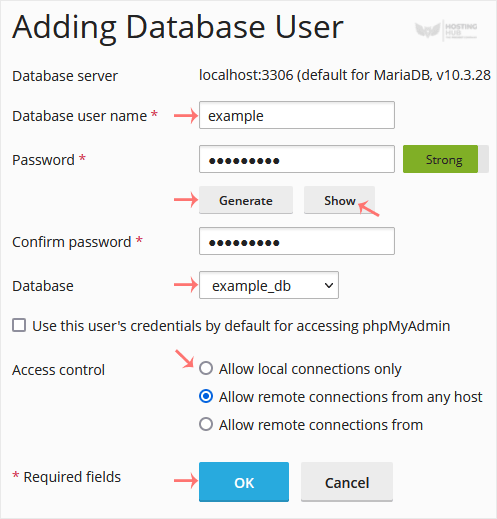
Finally, confirm with OK.
Your new database user will be created.

