


You can reply to an email using Mozilla Thunderbird instead of the cPanel Webmail.
1. Open Mozilla Thunderbird.

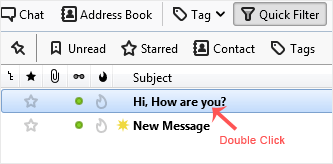
2. Click on the email you wish to open twice.
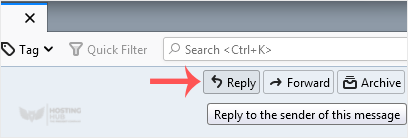
3. In the top-bottom area, click on Reply.
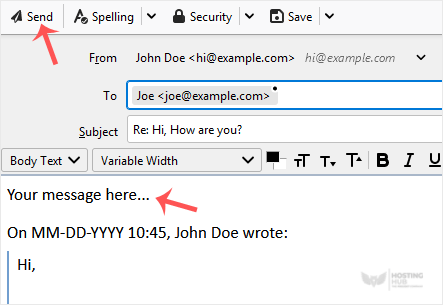
4. Type your message in the message box and click on Send.
How to Reply to Email in Mozilla Thunderbird
Back to Knowledgebase
Was this article helpful?
Related Articles
How to Setup a cPanel Email Account in Mozilla Thunderbird How to Check for New Email in Mozilla Thunderbird How to Send an Email Using Mozilla Thunderbird How to Delete Email Messages in Mozilla Thunderbird How to Forward an Email in Mozilla ThunderbirdStill need help?
Open a support ticket →
