



































You can edit the hosting package of your account. With root access, you can edit the packages of any user.
1. Log in to your WHM Account.
2. Go to Packages >> Edit a Package or type Edit a Package in the menu filter box. The option will appear. Click on it.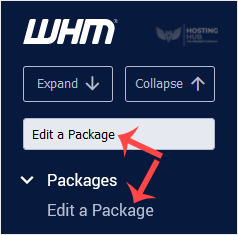
3. Select the package you want to edit.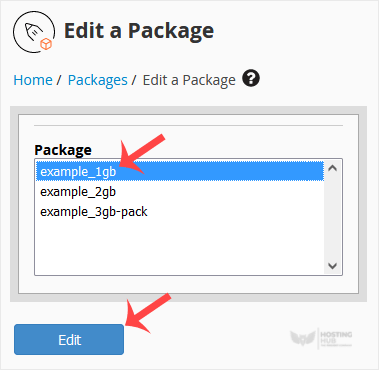
4. Under Edit a Package, you can modify resources like disk space, bandwidth, etc.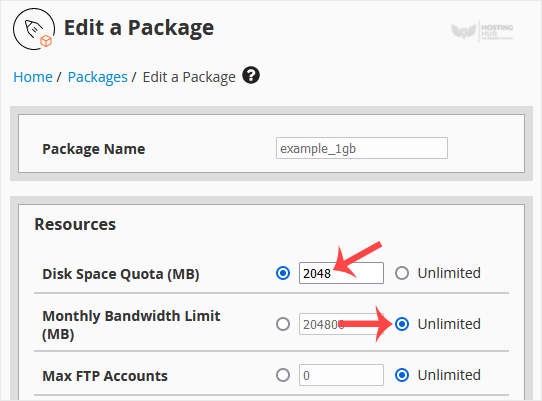
5. Scroll down, and click on Save Changes.

